I edited ‘PREJUDICE’ in Adobe Premiere Pro – 2017 version. Editing ‘PREJUDICE’ took me around 5 days (editing time-lapse). This was a challenging task for me as I was not used to of the software and I was faced with multiple trial and errors, however I made it through every obstacle and by the end, my project looked a little bit like this:

VIDEO EDITING:
Throughout my film, I went with a very minimalistic style of editing as it is supposed to be a slow paced edit which aligns with my genre – drama. Whilst recording, I made sure to take multiple shots of a particular scene, from all sorts of angles so that I would face less problems while I edit my opening sequence, thus adding up to around 150 clips or so. I first started by importing all of the clips I shot from my camera. I then compiled them in the correct order and cut down or removed the parts that I didn’t need. During this I also unlinked my video and audios, then deleted the audios to the respective videos because the first few seconds of my film required a voiceover (of the mother scolding Esha).

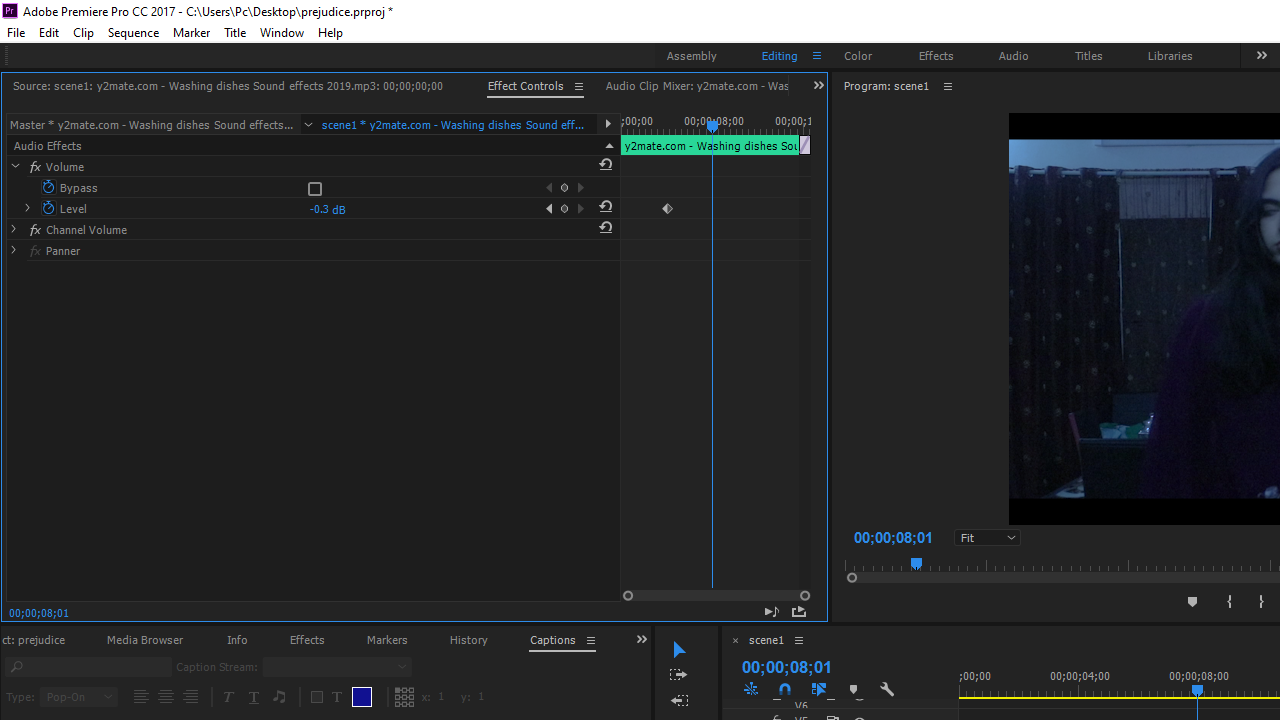
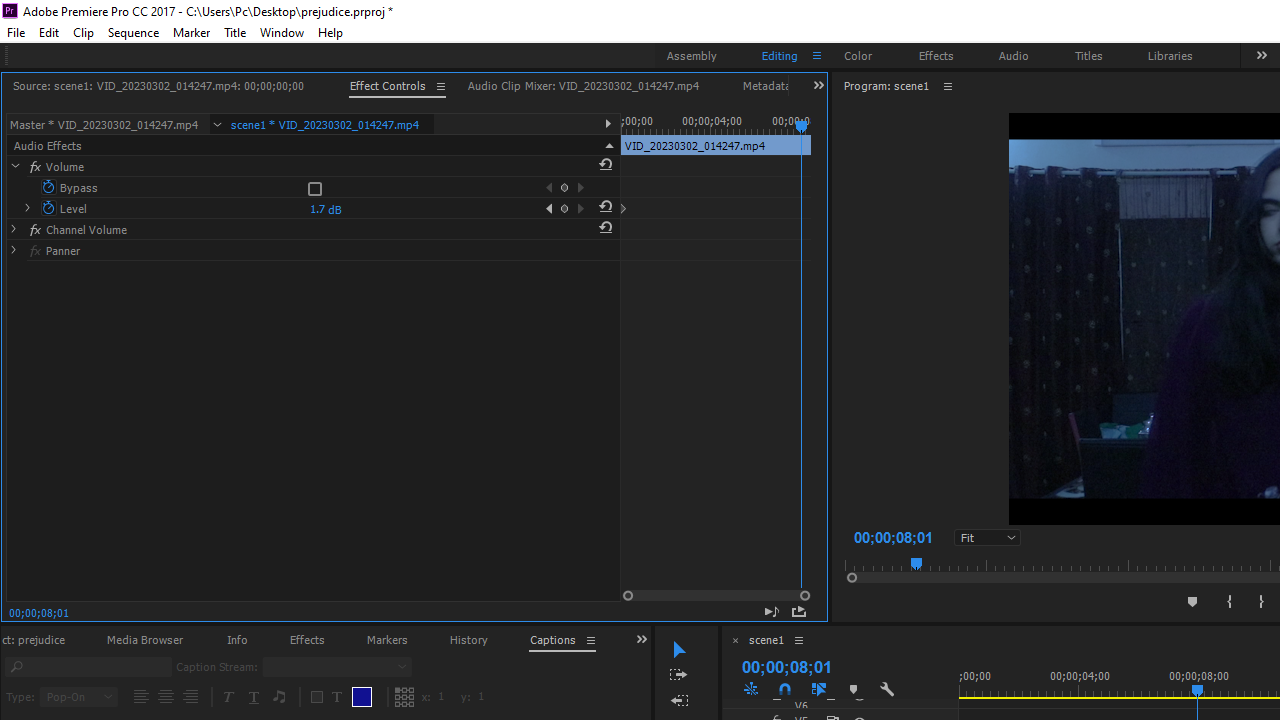
As the video starts, we can immediately hear a person washing the dishes and Esha’s mother scolding her. I downloaded the dish washing sound effect from YouTube by using y2mate.com and turned the volume down to -0.3dB. I then increased the audio in which the mother scolds Esha to 1.7dB so I could put emphasis on the mother scolding Esha while angrily doing the dishes. I also made use of the L-cut to make sure my audience stays interested through out.
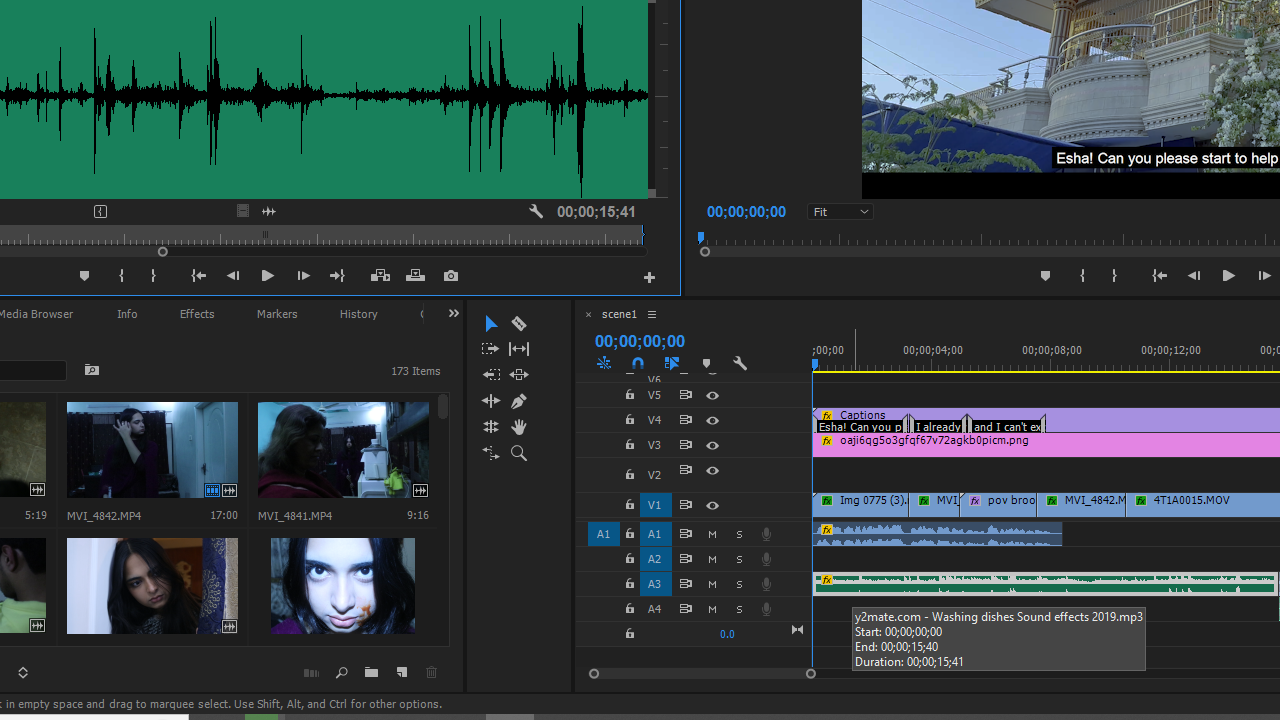
I downloaded and imported a black bar png from Google to give my film a cinematic and professional look.
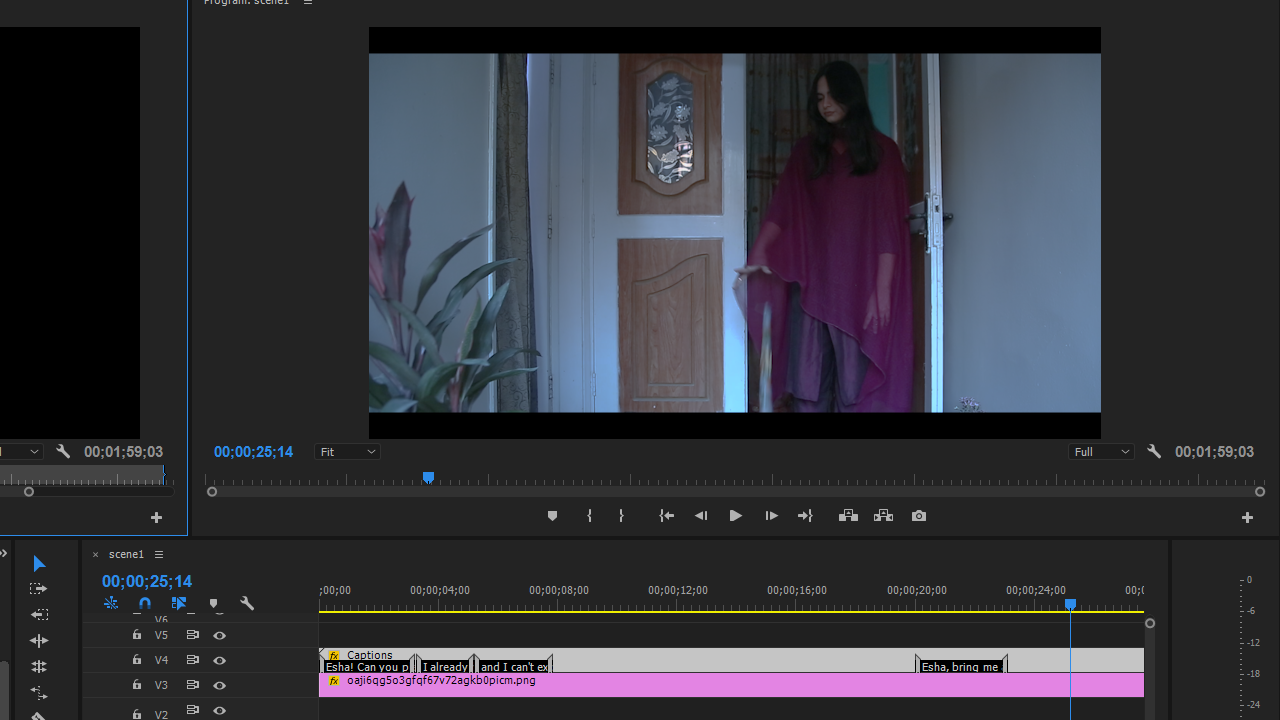
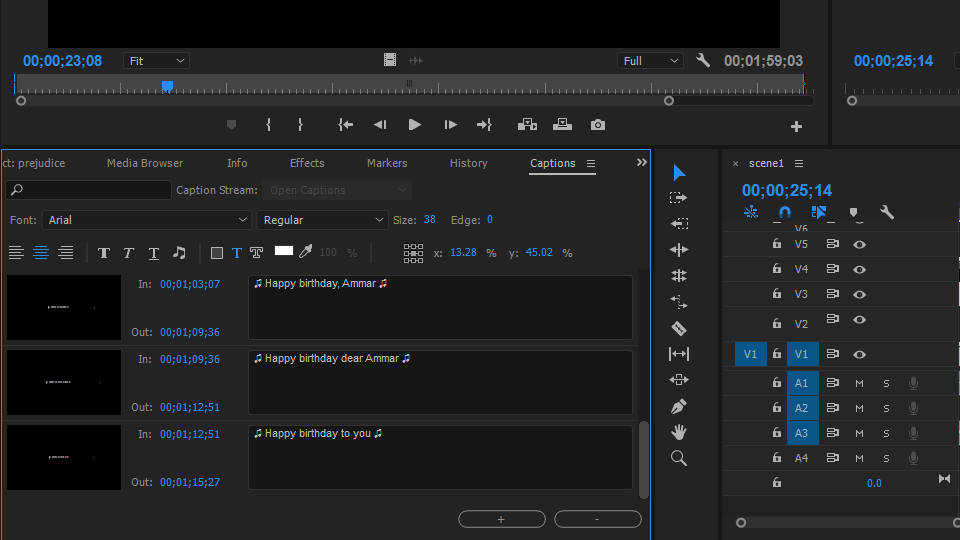
I added subtitles/captions throughout the film wherever there were dialogues and adjusted it’s settings according to my preference so that the audience can understand what’s being said with ease.

As the first scene is over and we begin to move towards the second scene where Ammar asks Esha for water, I used ‘constant power’ which is the default audio transition in Adobe Premiere Pro. This transition creates the effect of the first audio fading out by its end and the next audio fading. Thus, the dish washing sounds fade out and Ammar’s racecar gaming audio fades in. Here, I downloaded and imported a sad piano music from YouTube by using y2mate.com. which also begins to fade in at the same time as the racecar gaming audio.


I overlaid the sad piano music with some birds chirping audio that I also downloaded from YouTube by using y2mate.com to fill the emptiness of the sound element a bit more. I cut the birds chirping audio in 3 parts so that I could decrease the sound to -20dB when Esha began to walk towards the kitchen. The default transition of constant power was used there as well. I kept the diegetic sounds of when Esha picks up the jug and fills the glass of water to create a realistic element. After that, when Esha walks inside of Amma’s room the bird chirping audio stops and the racecar gaming audio fades back in.

Another diegetic audio was used as Ammar gets up and tells Esha rudely to keep the glass of water
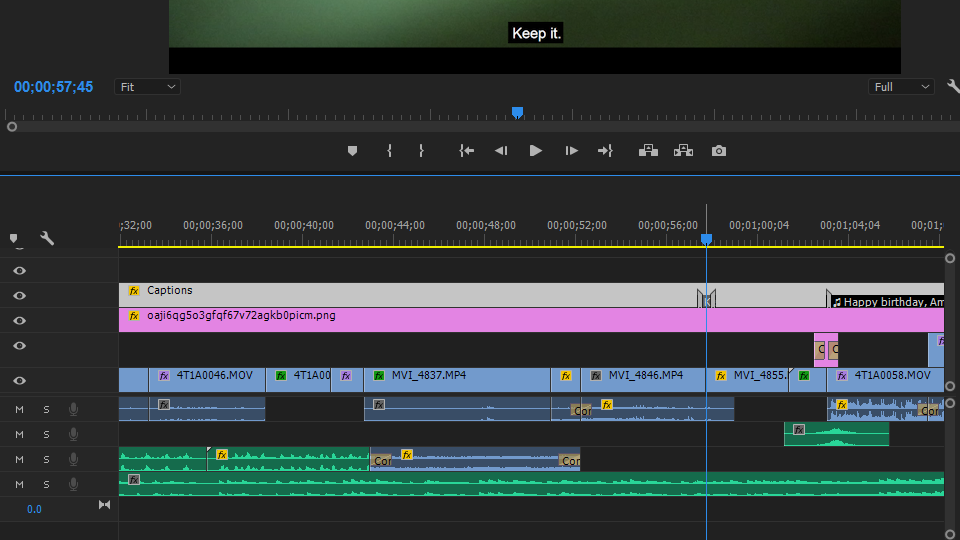
Now begins the flashbacks, so to create that effect I added a color matte (project panel > click the new item button > choose color matte.) and on top added the cross dissolve effect to create a fade out of current video and fade in to the flashbacks. As per the sound, I downloaded and imported a ‘cinematic whoosh sound effect’ from YouTube by using y2mate.com.

Now we can see Ammar celebrate his birthday with his friends, as Esha watches from a distance. When Esha showed up at the screen, I muffled the audio (effects panel > equalizer > drag parametric equalizer effect to audio > select audio > audio controls > under parametric equalizer click edit > change preset to generic low-pass > drag the point at the right towards the center) of Ammar’s friends wishing him a happy birthday and increased the sound to 4.4dB to portray the unfairness Esha felt at the moment.


For my ending credits, I used the font ‘Adobe Arabic’ and cross dissolve to continue the slow paced editing.

For my title, I wanted to do something that would sync with Esha blowing out the candles so I downloaded and imported ‘blue ink in water’ video from YouTube by using y2mate.com and masked my title with it to create the current effect I have. I kept the color of my title white and a simple font as it relates to my genre.


I sharpened all my clips to around 150 and made sure to keep the difference between the two siblings by making a color preset that I copied for all of Esha’s scene (dark, dull, blueish colors) and another one for all of Ammar’s scenes (bright/well illuminated/yellowish)


 prejudice
Leave a comment